Your whole workday.One workspace.
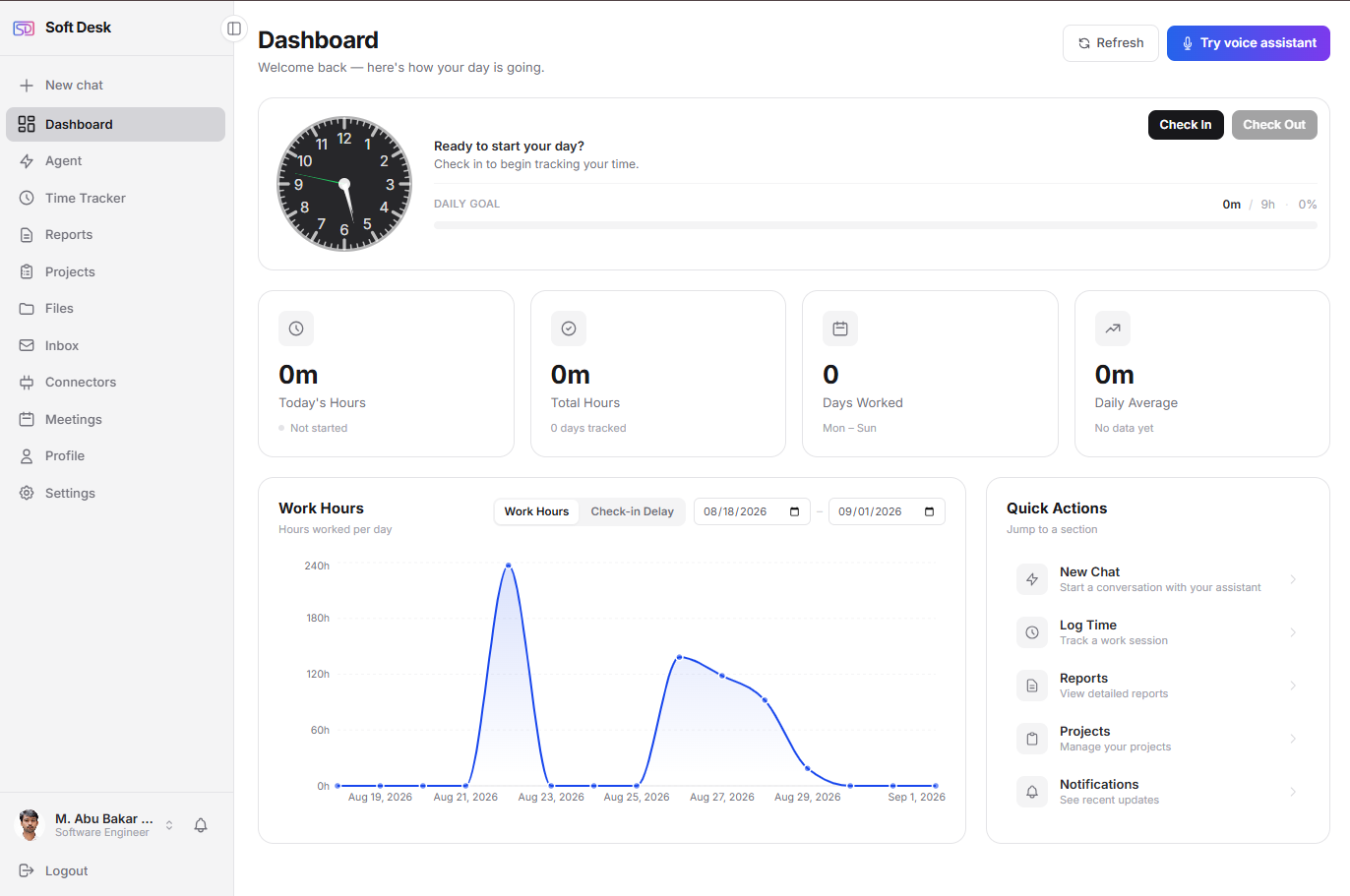
Soft Desk puts projects, time, invoicing, mail, meetings and files in one place, with an assistant you can chat with or talk to. Stop rebuilding your day from six tabs.
Timer running · billable
02:34:17
"What is due today?"
The work is fine.The admin around it is not.
Five ways a day gets lost when every part of it lives in a different tool.
Six tabs for one job
Projects in one app, hours in another, mail and calendar somewhere else. Nothing knows about the rest.
Billable hours slip
Work happens, the timer does not. At month end you rebuild the week from memory.
Invoices chased by hand
Did they open it? Did they pay? You check the bank and write another follow-up.
Meetings scattered
Two calendars, a link in a thread, a reminder that arrives after the call started.
No picture of the day
What is due, who is waiting, what still needs invoicing: nobody can say without opening five things.
Everything the day needs,already in the same place.
Each module in Soft Desk knows about the others: a task carries its hours, hours become invoice lines, invoices show up on Today until they are paid.
Built for one person.Ready for a company.
The same modules serve both. Pick your side to see what changes.
Run the whole practice from one place.
Everything you use to deliver and get paid, in one account. Free, with no time limit.
- Every billable hour lands on a task, so the invoice builds itself from unbilled work.
- Invoices go out as a public link; you see when they were viewed and record payments as they arrive.
- One Today page tells you what is due, what to invoice and which invoice to chase.
- Your Gmail, Google Calendar and Drive sit next to the work they belong to.
- Ask the assistant in chat or by voice, and get answers that link straight into your workspace.
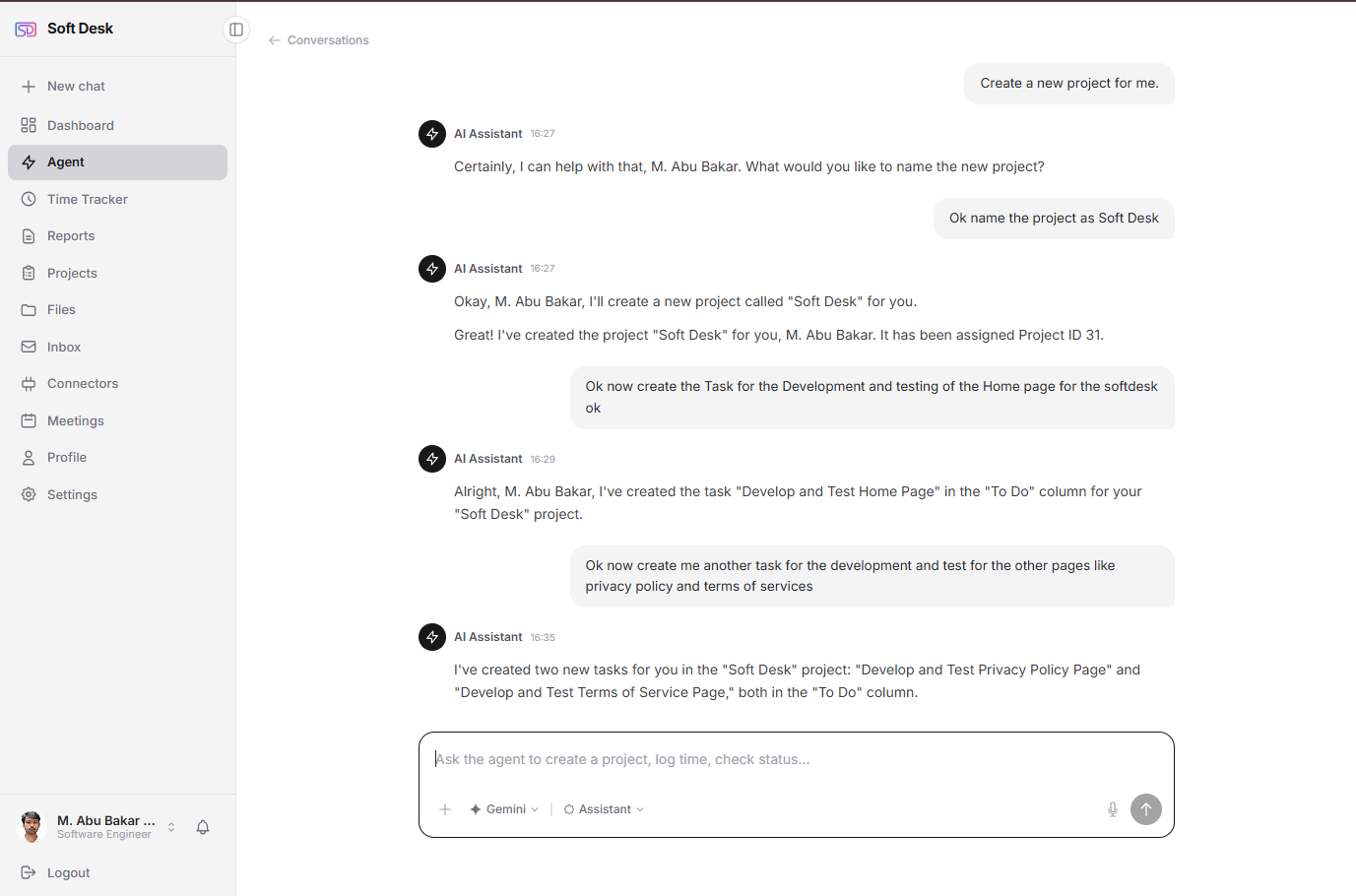
Ask about your work.Get answers that link back into it.
The assistant reads your workspace, not the internet: projects, tasks, time, clients, invoices, payments, the finance overview, meetings and your day plan. Every answer deep-links to the item it is talking about.
It can also do things: create and update tasks and projects. Anything that changes data waits for your explicit approval first.
- Bring your own key for Anthropic Claude, Google Gemini or OpenAI. The platform never bills AI on your behalf.
- Names are replaced by tokens and emails, phones and addresses are stripped before anything leaves the app.
- No access to mailbox content or files. There are no email tools at all.
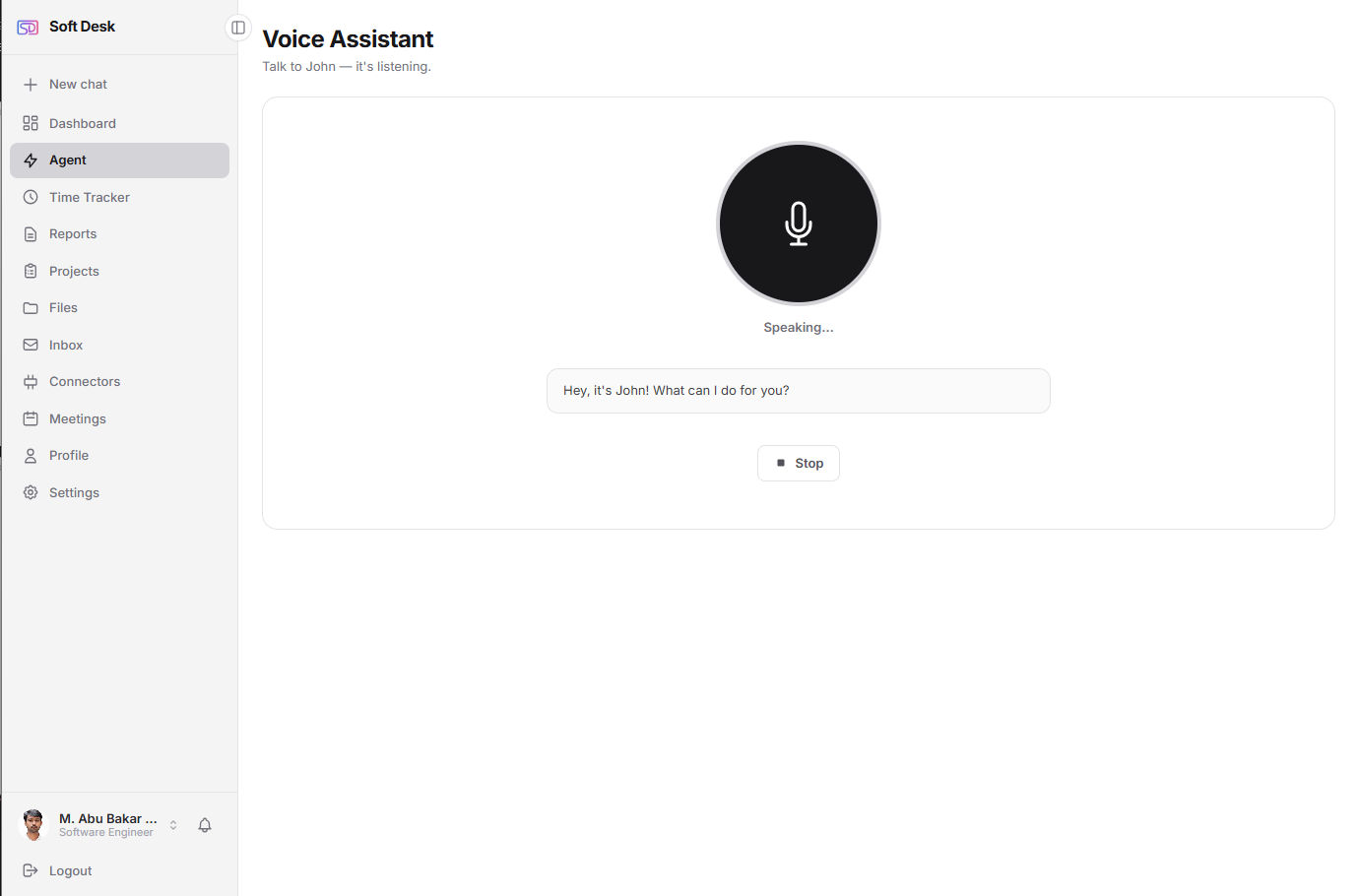
Or just say it.Hands on the keyboard, eyes on the work.
Say the wake word (you choose the assistant's name), ask your question, and hear the answer. Lists and tables appear on screen only when they help. Interrupt it mid-sentence and it stops and listens.
- Spoken conversation in the browser, with barge-in so you can cut in at any time.
- Ignores background speech that is not addressed to it.
- Desktop browser only (Chrome). The same privacy rules as chat apply.
Used in production, not just demoed.
Built and used every day by the team at Dexsof Solutions. Early customers work directly with the people who build it.
Three steps.No setup project.
- 1
Create an account
Individuals sign up for free and are in the dashboard right away. Companies register once; the registering user becomes Company Admin and adds the team. - 2
Connect what you already use
Link Gmail, Google Calendar and Google Drive over OAuth, several accounts if you need them. Add your own AI key if you want the assistant. - 3
Work from Today
Start the timer, move cards, send an invoice from unbilled work, and ask the assistant when you would rather not click. Changes show up on your other devices without a refresh.
Plain facts,no superlatives.
Sessions done properly
Refresh token in an HttpOnly, Secure, SameSite=Strict cookie; short-lived access token in memory; rotation with theft detection.
Secrets encrypted at rest
OAuth tokens and AI keys are stored encrypted. Passwords are hashed with bcrypt, with rate limiting and lockout on login.
Google data fetched live
Mail, events and files are read when you open them and are not copied into our database. Handled under Google's Limited Use policy.
AI sees less than you do
Names are replaced by tokens and contact details stripped before anything reaches an AI provider. The assistant has no access to mail or files.
Answered plainly.
Something we have not answered?
Write to us. A person reads every message and replies by email.
Start with your own work.Bring the company when it is ready.
Individual accounts are free with every module included. Companies are onboarded by contact, with no card required to try.
Free for individuals. Company pricing is set per company during onboarding.